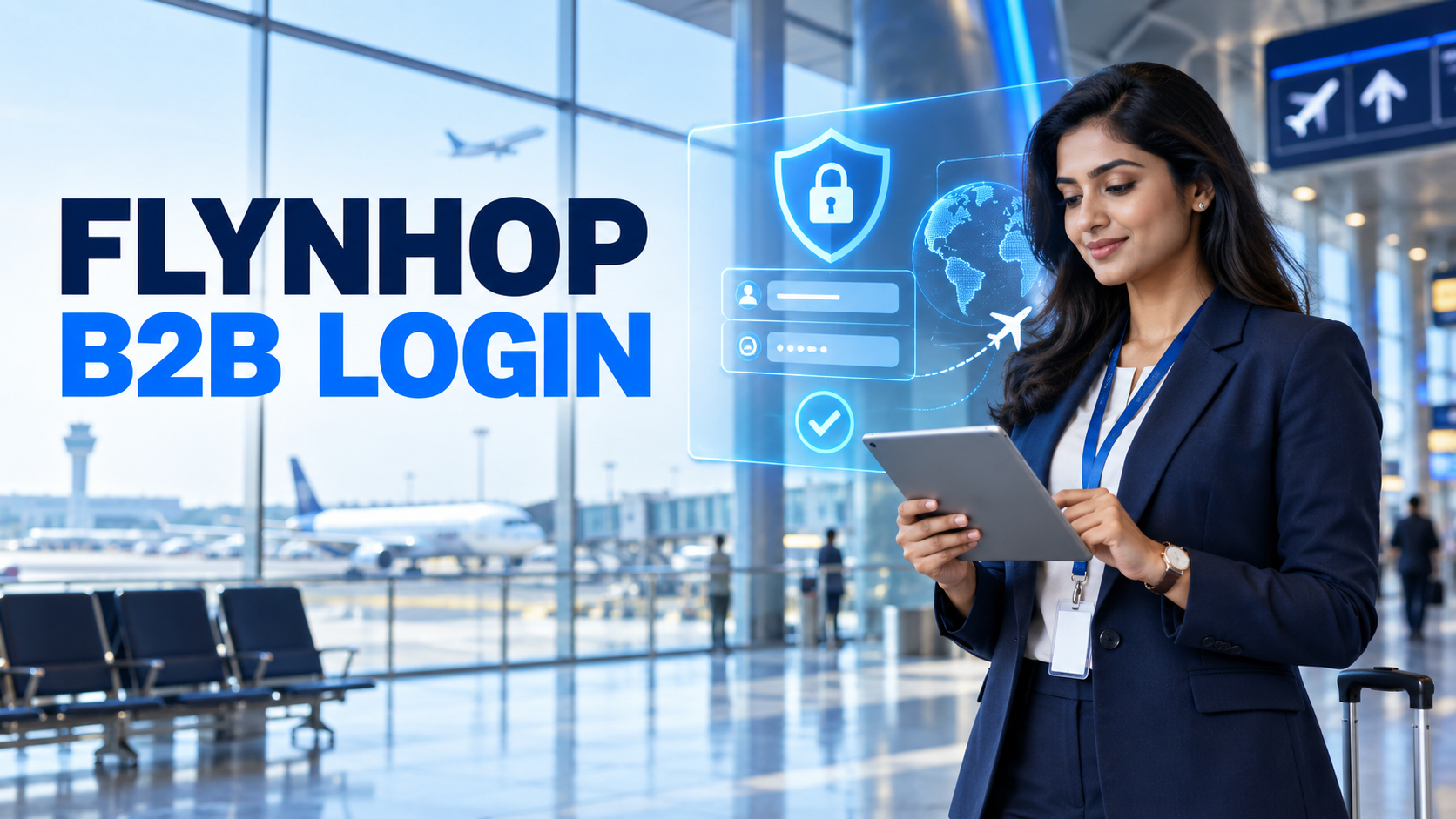
Flynhop B2B Login | Access the Flight Booking Portal
Access the Flynhop B2B portal to search flight options and manage customer booking requirements through one dedicated platform.
The Flynhop B2B login gives registered travel partners direct access to Flynhop’s flight-booking portal. After signing in, agents can begin handling domestic and international flight enquiries from an organised online workspace.
For a travel agency, quick portal access is important because customers often expect suitable flight choices without unnecessary delays. A dedicated login helps authorised users reach the booking platform, review available options and continue working on customer requirements.
The Flynhop B2B login is the entry point for registered travel agents and travel businesses using the Flynhop portal. It separates partner access from the general website and connects authorised users with the tools available for B2B flight-booking activity.
Instead of beginning every enquiry through separate communication, an agent can log in to the dedicated portal and start checking flight options according to the traveller’s route, dates, schedule and budget.
Official Flynhop B2B Login Portal
Travel partners should use the official B2B portal and their authorised account credentials. The process is straightforward:
Always check the website address before entering account details. Avoid signing in through unknown links or sharing login information through unsecured messages.
Once access is successful, a travel partner can use the platform for eligible B2B flight-booking activities. The portal supports an efficient workflow by keeping important search and booking functions in one place.
Enter the route and travel dates to review available flight options.
Compare applicable options according to the customer’s requirements.
Proceed with suitable booking activity through the dedicated portal.
Review the latest status of customer flight bookings from the portal.
Access important itinerary and booking information whenever required.
Contact the Flynhop team when account or booking help is required.

A dedicated login creates a clearer working environment for travel professionals. It allows an agency to keep authorised portal access connected to its business activity and helps team members follow a consistent booking process.
A login problem does not always mean that the portal is unavailable. Before requesting help, check the basic details below:
Do not repeatedly enter uncertain credentials. If login details have been forgotten or the account appears inaccessible, contact the authorised Flynhop support channel for guidance.
A B2B account may contain business and booking-related information, so login credentials should be handled carefully. Use a strong password, keep it private and update access whenever an authorised team member leaves the business.
The official portal address is https://b2b.flynhop.com/.
The login is intended for registered and authorised Flynhop travel partners. Contact Flynhop if you need information about obtaining access.
Registered partners can use the portal to explore available domestic and international flight options according to customer requirements.
Check the portal address, login information, browser and internet connection. If the problem continues, contact Flynhop for account assistance.
The Flynhop B2B login gives registered travel agents a direct route to the flight-booking portal. Use the official login page, protect your account details and contact the Flynhop team whenever access or booking assistance is required.
Access the dedicated portal for your travel-agent flight-booking requirements.
Open Flynhop B2B Login
 Exciting Deals Enjoy exciting deals on flights, hotels, buses, car rental and tour packages.
 24/7 Support Get assistance 24/7 on any kind of travel related query.